EXPLAINING HOTPLATE
Not every customer you meet will be familiar with the Hotplate pre-order drop model, so it’s important to have the right words to explain it to them in simple terms.
Say something like…
“Hotplate is my ordering platform. Every week, I’ll put up a menu for pre-order and if you’re subscribed to my storefront notifications, you’ll get a text as soon as orders open. You’ll build a cart with items, select your pick up time and location, then check out. On pick up day, you’ll get a text with instructions so pickup is easy!”
HANDING OUT SAMPLES (THE SMART WAY)
One of the best ways to turn a stranger into a superfan is by giving them a taste. Beyond handing out bites or samples at in person pop-ups, consider giving out samples to people in your community throughout your day to day. Some of our chefs have told us that they package up all their extras or their “ugly” pastries, staple a business card to them, and hand them out to cashiers, baristas, and other strangers throughout their day.
Since this is an effort that takes both time and money, there are a few best practices we recommend you keep in mind so that you see sales come in as a result of giving out samples:
Always add a sticker, business card, or piece of branding with a call to action on the sample packaging. If someone tastes your good and likes it, it should be extremely easy for them to scan a QR code then follow or subscribe.
Save money by creating mini versions of your goods to use as samples.
When you hand someone a sample, be sure to give them a 1 line pitch about your business and how to order in the future. For example: “I run a gluten free pop up bakery and this is a sample of my best selling cookie. I offer a different flavor every week through my Hotplate drops”
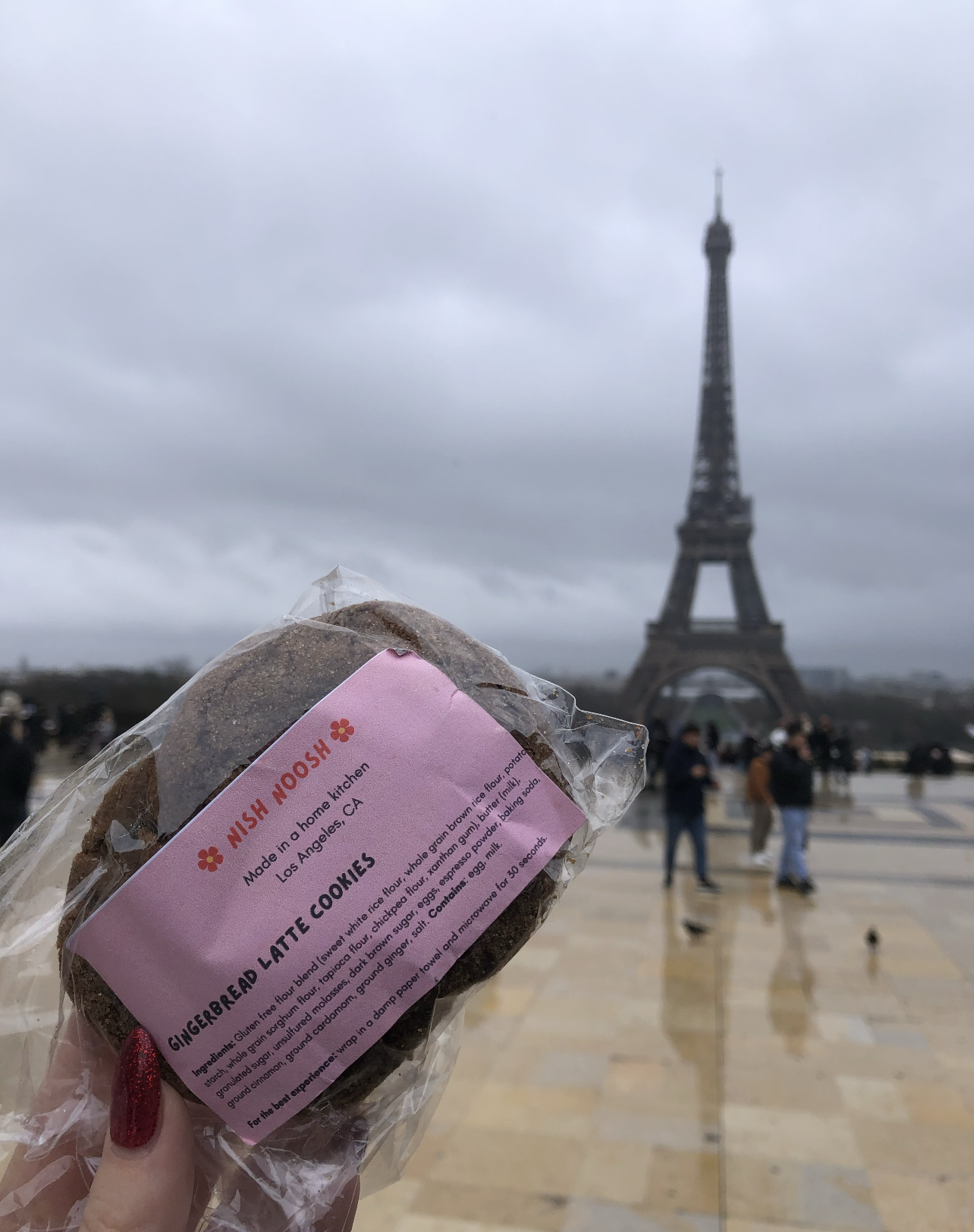
Make sure samples are labeled so they’re recognizable as your brand - even when they make it halfway across the world!
PRINTING & TRACKING QR CODES
Using a QR code on flyers, cards, and labels is a great way to get customers to quickly take some sort of action. You should include a QR code that links to your Hotplate storefront or SMS subscription form on any handout or sticker you make.
There are many websites that turn links into QR codes, but we recommend that you look for a service that also gives you data about how many times your code is scanned. Many services also allow you to edit the URL of a QR code even after you’ve printed it!
For QR codes, we like Hovercode.com because you can…
Create up to 3 trackable QR codes with the free plan
Update the link for a QR code even after its printed
Customize the design and branding of the QR code easily
See the total number of scans for a code with the free plan, get deeper insights with the paid plan
📺 Here’s a video to walk you through creating a QR code and adding it to any Canva design!
FLYERS & POSTERS
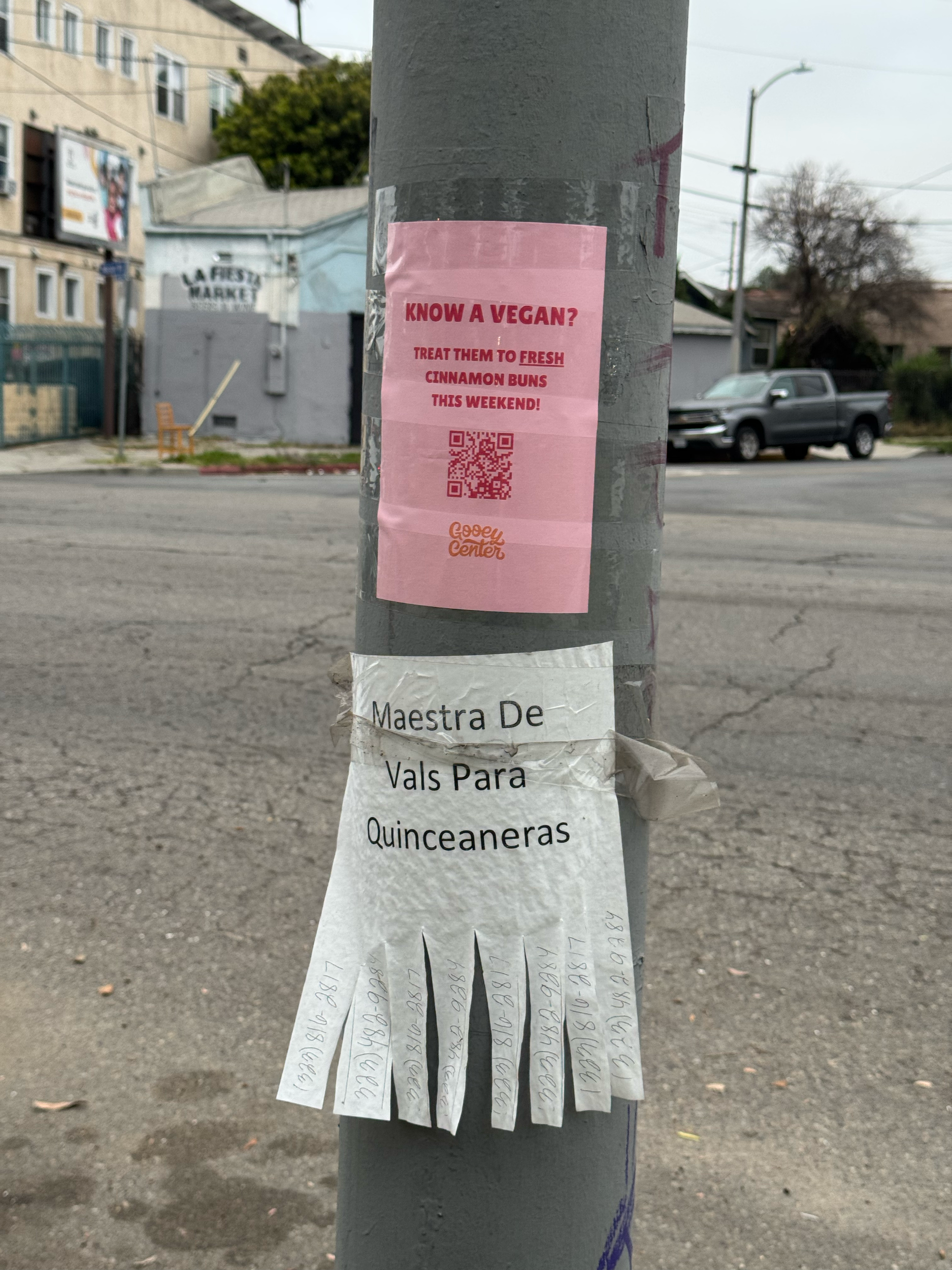
Don’t underestimate the impact of old school marketing channels like flyers. Many Hotplate chefs have gotten subscribers, orders, or social media followers through designing simple posters and hanging them up around their town.
Designing effective posters
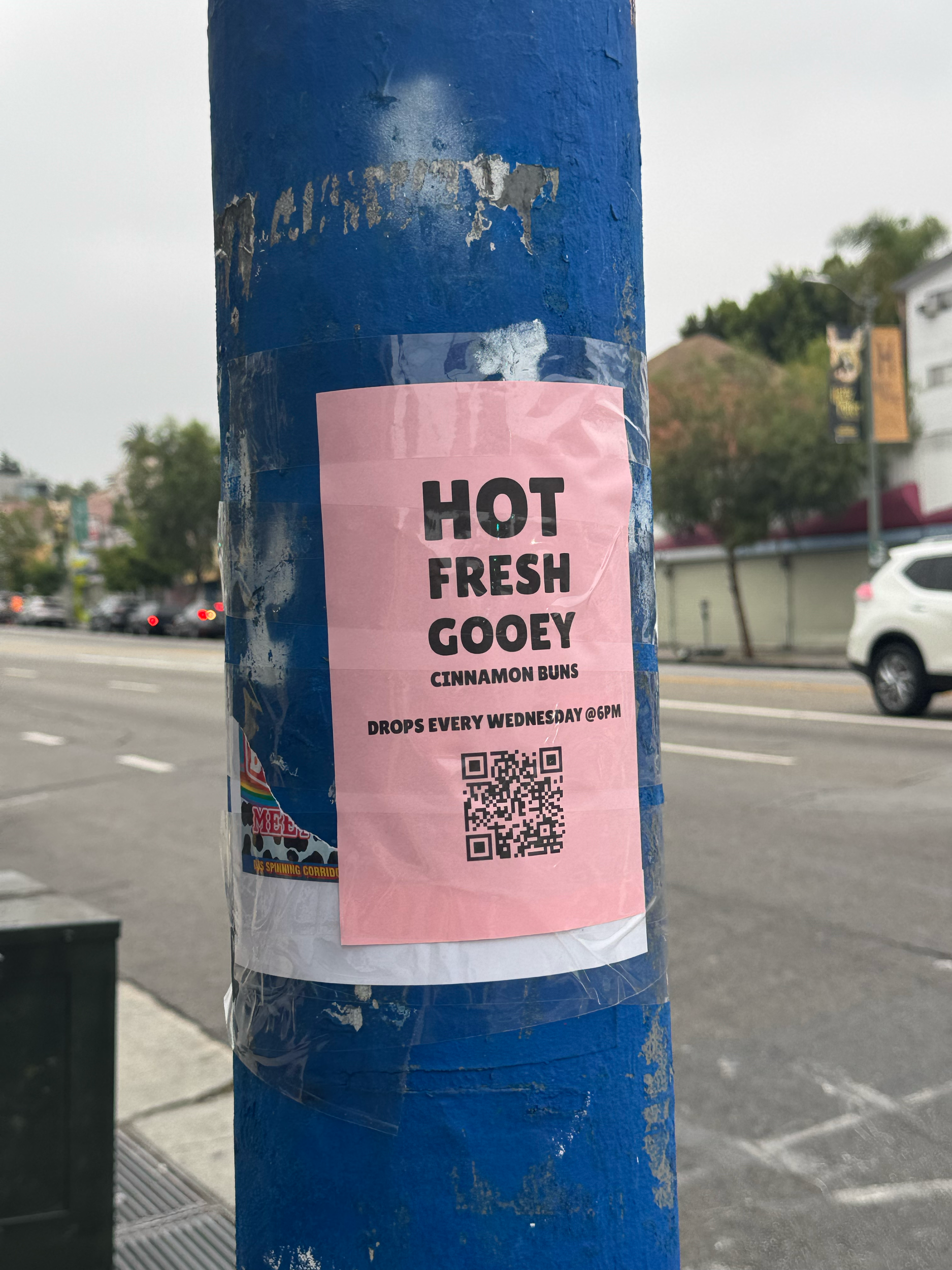
It may be your instinct to use full color photos or get really creative when designing posters, but we’ve learned from experience that simpler is always more effective. You want a clear, eye catching line that will make people stop in their track when they read it. The best posters have a few words and a big QR code so they grab attention and drive action immediately.
Testing tag lines
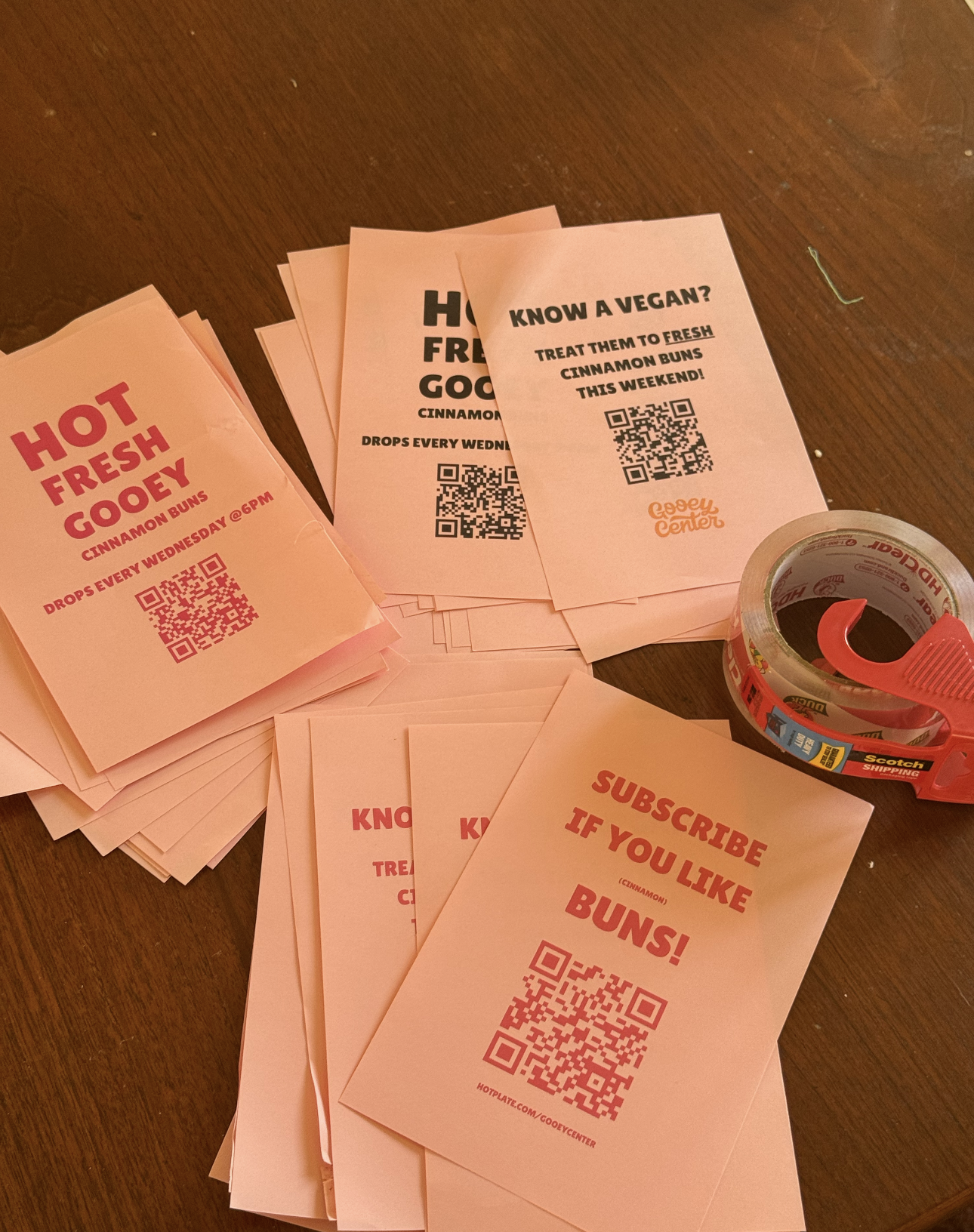
Sometimes it’s hard to know what’s going to get people’s attention, so you should test multiple tag lines when designing posters. We recommend you create a different trackable QR code for each design (instructions in the section above), hang a batch of posters, then compare the number of scans each one got. Use those learnings to inform which design you choose to print for the next round! You can also use a different QR codes for each neighborhood or location where you hang up flyers, so you can test which areas lead to the most scans.
Tips for printing posters at home
To save on ink but keep the poster eye catching, you can buy colored printer paper and print in black ink. Save paper by printing 2 flyers to a sheet then cutting in half. The unusual size and color will stick out to folks as they walk by.
Where to hang posters
Think about integrating “poster walks” into your daily routines. Maybe you keep a stack in your car or in your purse with some packing tape. Hang them on telephone poles, at crosswalks, outside grocery stores, or inside local business (if they allow). Think about where your typical customer might hang out, and cover that area with flyers.
TEMPLATES
Here are a few Canva templates to get you started with poster designs:
BUSINESS CARDS
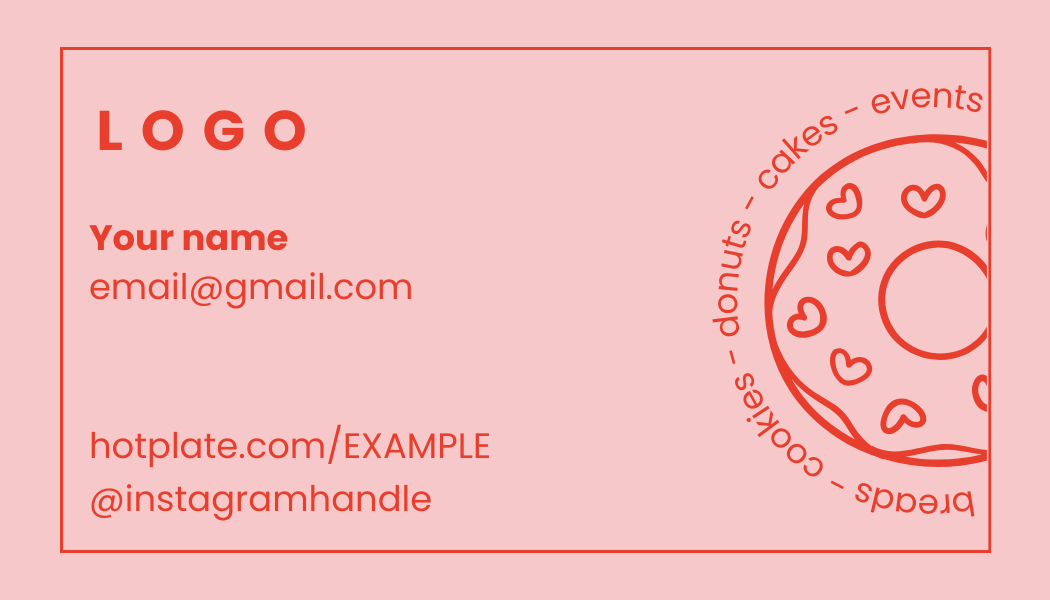
Business cards are an old school but effective way to connect with potential collaborators or customers. The most successful Hotplate chefs also include their Hotplate storefront url and a QR code that links to their subscriber sign up or link in bio. Keep a stack of them in your car, stuff your pockets, or staple them to samples - it’s always a good idea to have one on you.
Here’s an example made for a bakery:
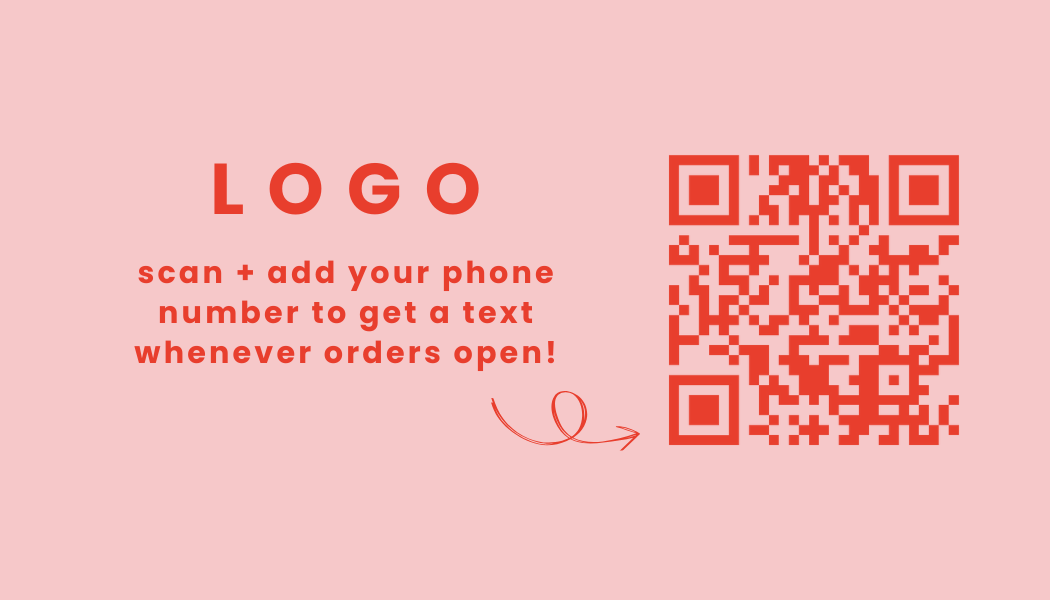
Use this TEMPLATE.
THANK YOU CARDS / ORDER INSERTS
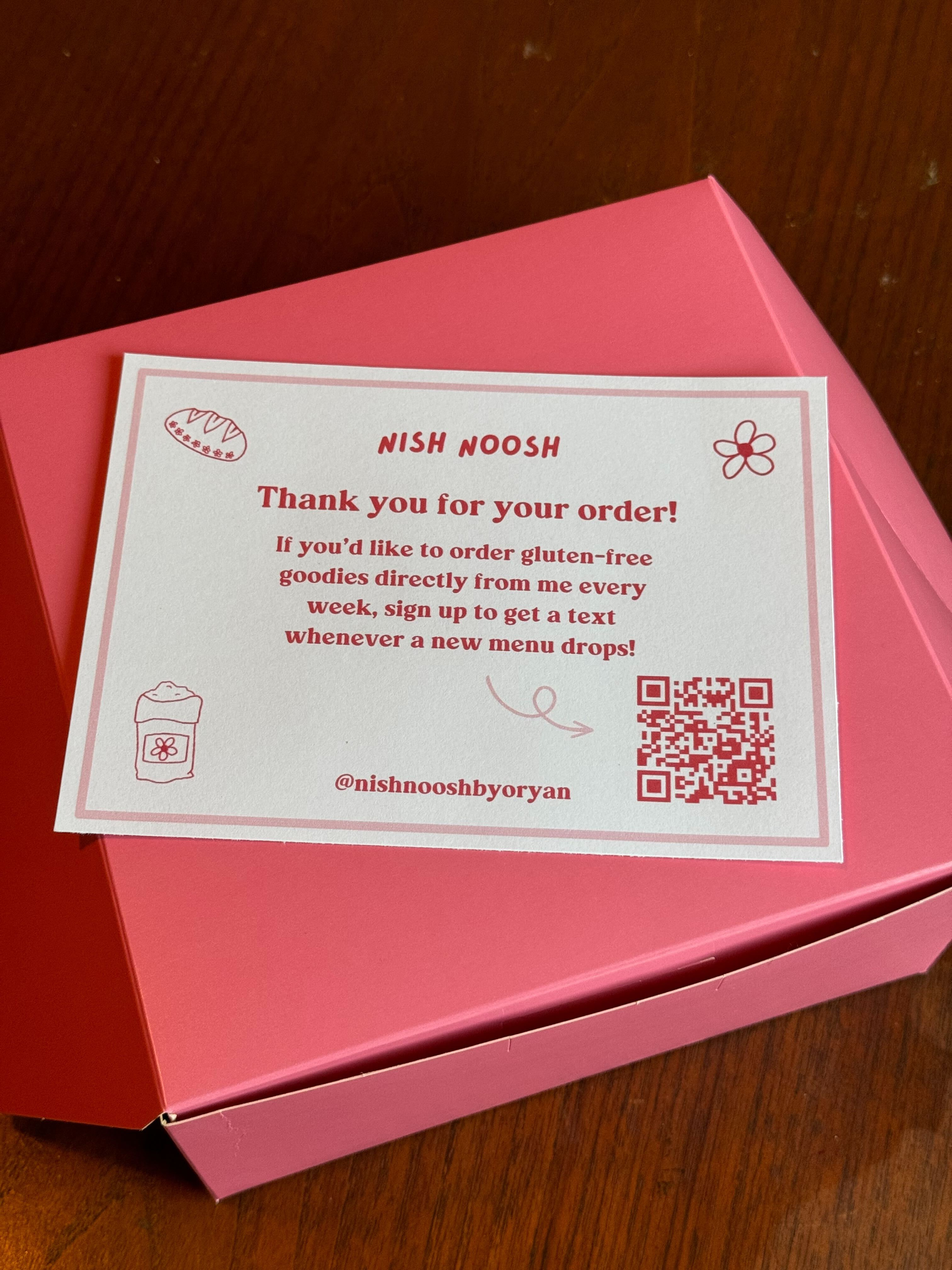
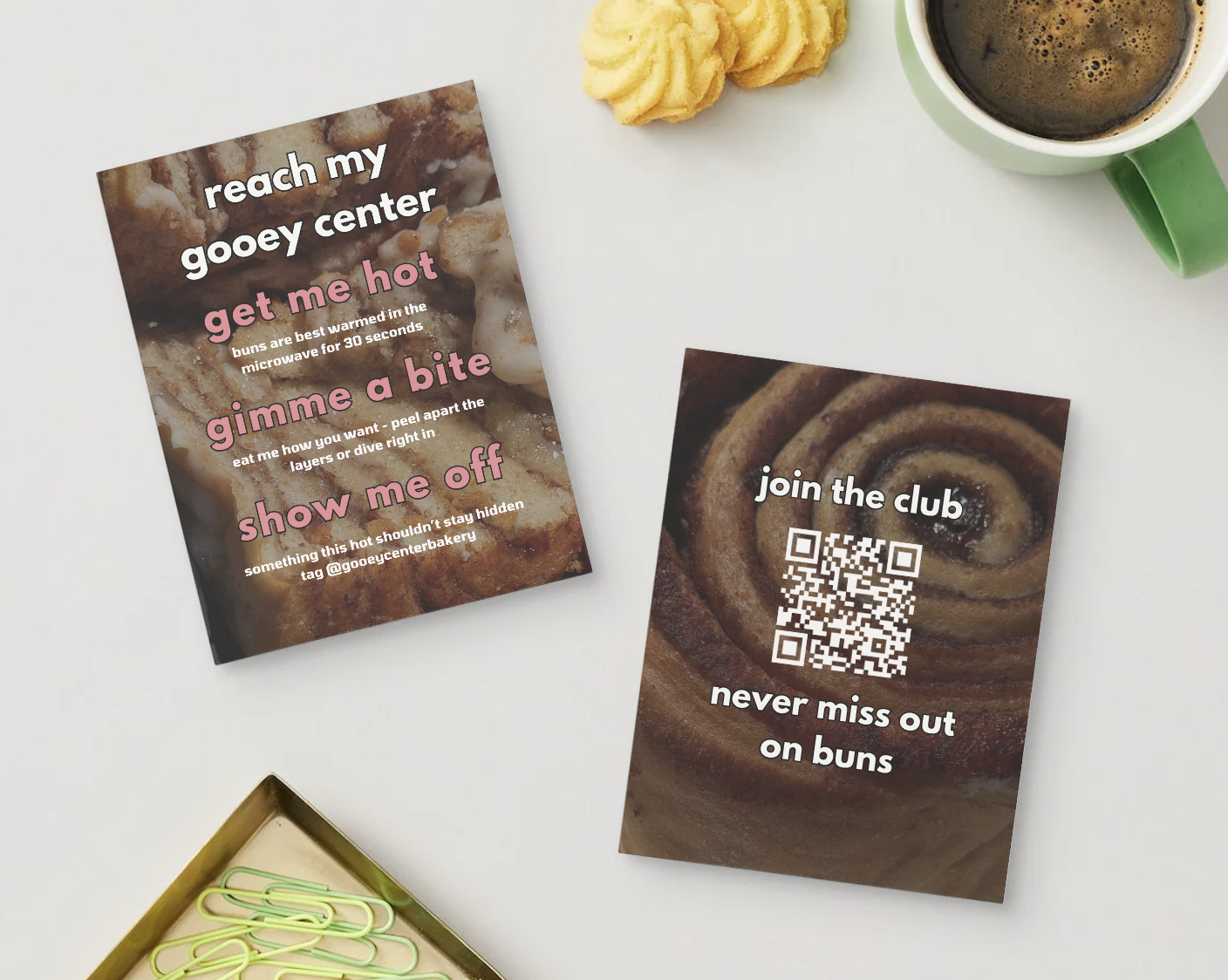
Especially for businesses who don’t have a physical storefront or a consistent pop up location, it’s important to create a memorable and shareable pickup experience for your customers. Part of that is including some sort of thank you card with each order packed. This is an opportunity to inject some of your brand’s vibe and design, as well as invite customers to take an action like subscribe to your SMS list, place another order, or share a review on social media.
Here’s some cards in the wild, and a TEMPLATE to make your own.
TABLETOP FLYER (FOR POP UPS)
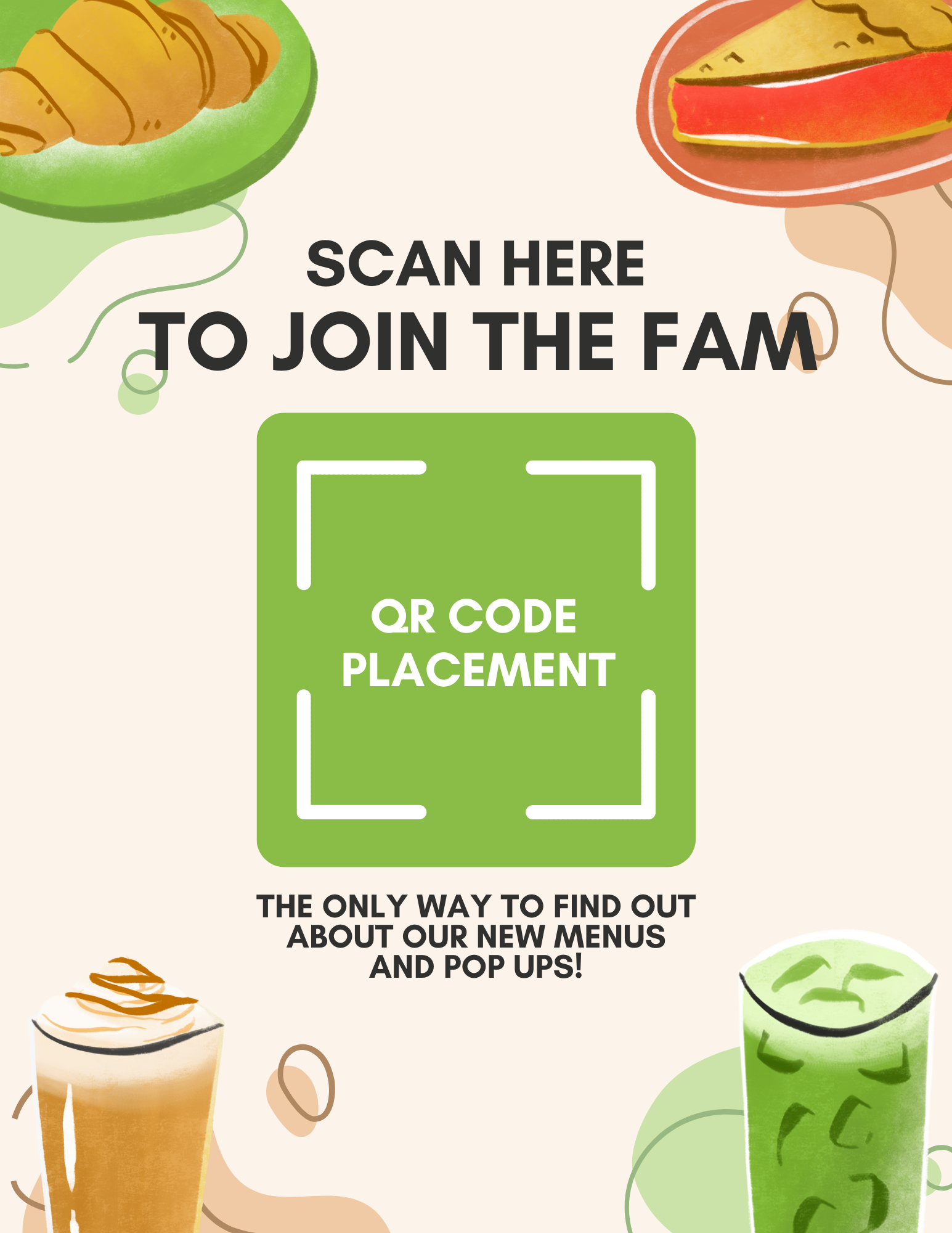
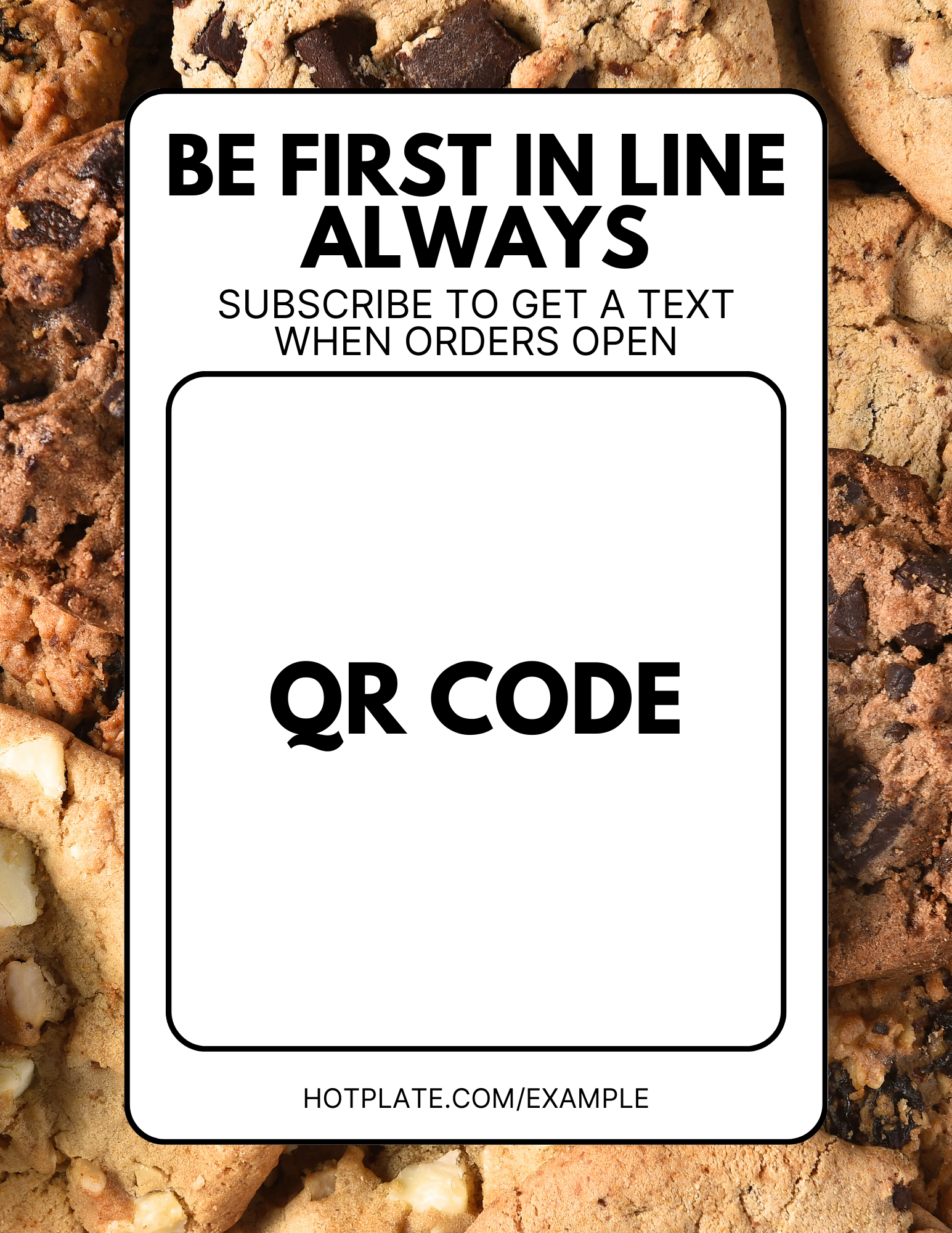
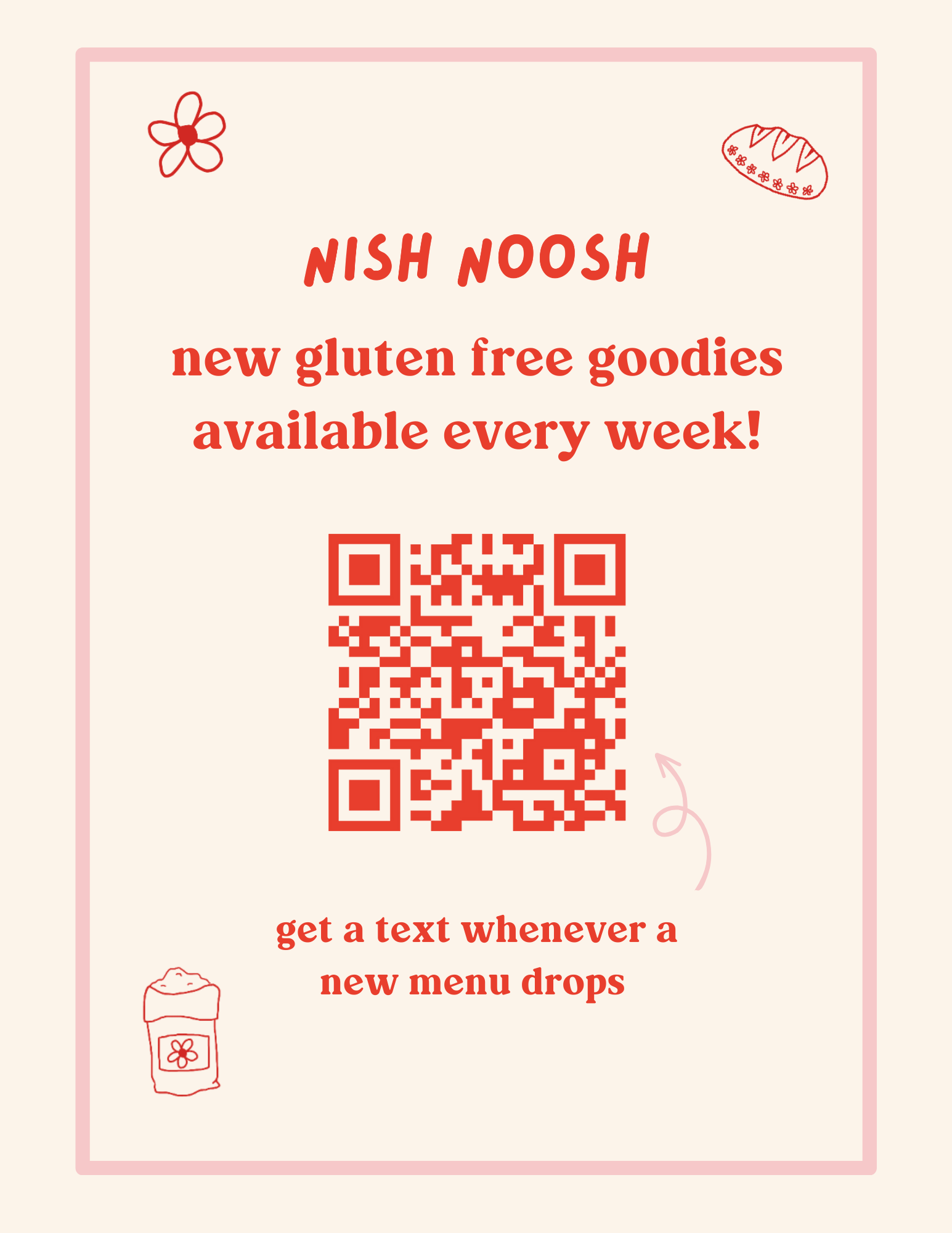
Anytime you do a pop up or market is an opportunity to get new customers to subscribe to your SMS list. Most of our chefs design a flyer on a regular 8.5 x 11 sheet of paper, then display it on their table in an acrylic display.
However you choose to design this poster, it’s important to include a QR code that links to your SMS subscription list (find this at the top of your Settings page).
We’ve created a TEMPLATE with a few options to get you started:
LAWN SIGNS
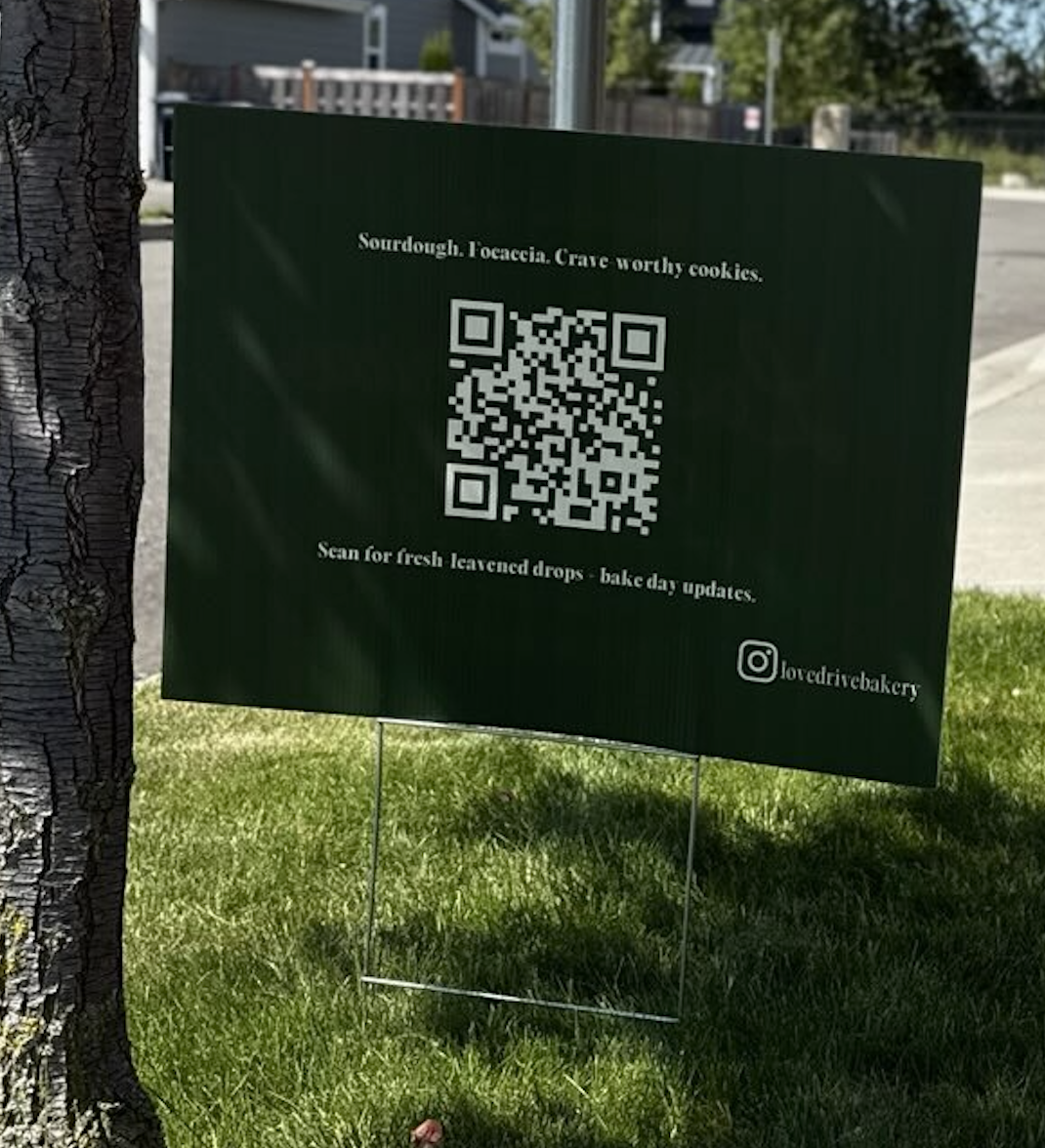
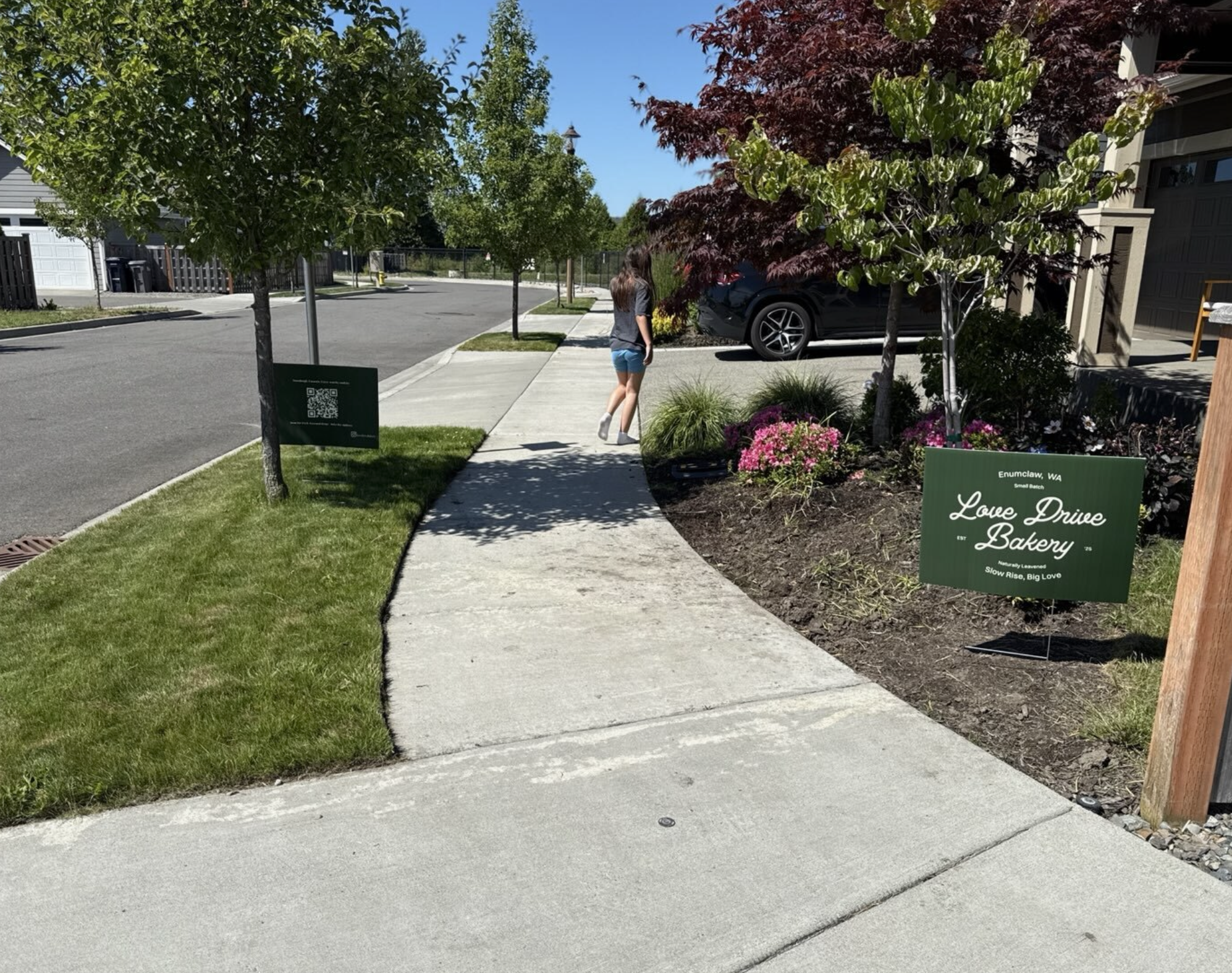
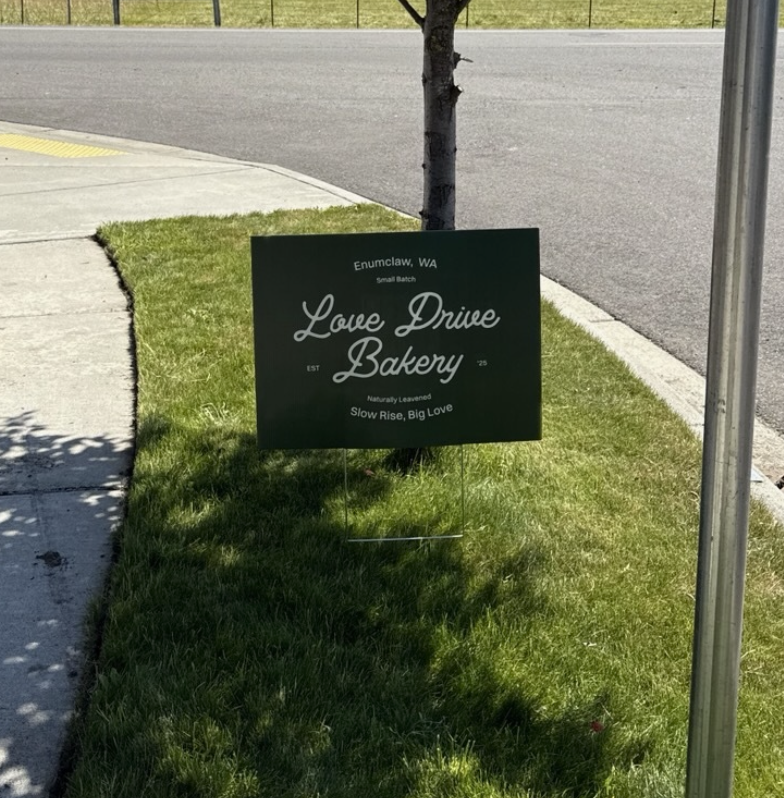
If you live in a more residential area or have a front lawn, consider putting up custom lawn signs!
Not only will this help customers find you easily if you offer pickups from home, it’s also a great opportunity to grab the attention of neighbors walking their dogs or driving past. Make the colors eye catching and be sure to include a QR code (linking to your Hotplate storefront) on the back so anyone interested can quickly connect with you.
You can design and print directly on Canva. Here’s a TEMPLATE to get you started.
Check out this example from Love Drive Bakery